
Everything you need. Nothing you don’t.
Branded posts, reels and your own restaurant website, all from the photos and details you already have. Templates designed for food, captions that sound like you, and nothing you have to learn.
Build your website in minutes, just by filling in the details.
On the Website plan you get your own address at yourname.postmyplatter.com, with your menu and prices, a live open or closed status, and a QR code for the table. Every dish you post appears on it automatically, so it never goes stale. See what the Website plan includes →
Sample pages, shown with four styles and five color palettes to pick from. Your page is built from your own posts, menu and hours.
Two ways to make a reel. Neither needs video skills.
A branded reel is vertical video with your restaurant name and details on it. Build one from the photos already on your phone, or from a single clip you shoot. Pick a length, and the timing, transitions and export are handled for you.
Whichever you start from, the result carries your name and logo, your address and phone, your website and your price, and ends on a closing slide made of your details instead of ending on nothing.
The closing slide is prefilled from your profile, so your name, phone, address and website are already there. Edit them for a single reel without changing your profile.
One reel, three places. The same file posts to Instagram Reels, YouTube Shorts and Facebook Reels.
Reels work on iOS, Android and the web. Every plan makes them: Preview reels carry a small PostMyPlatter watermark, and the Editor and Website plans remove it.
Now the posts.
Here is how a photo becomes a branded post, and everything you can change along the way. Templates, palettes and photo enhancement work on your reels too.
Photo to post, in three taps.
- 1Build & enhance - Pick a template and color theme & add your real food photo, then brighten it, pull the dish forward with AI Spotlight, or remove the background.
- 2Add details - Add the dish name, price, and any deal. It is as easy as texting. Your restaurant logo, name, address, and phone are already prefilled.
- 3Caption & share - AI writes your caption from those details in your voice: Casual, Promotional, or Friendly. Share to Instagram, Facebook, or WhatsApp, or save on your device/cloud to work on it later.
Designed to fit between the lunch rush and the dinner rush. Coming from a design tool?
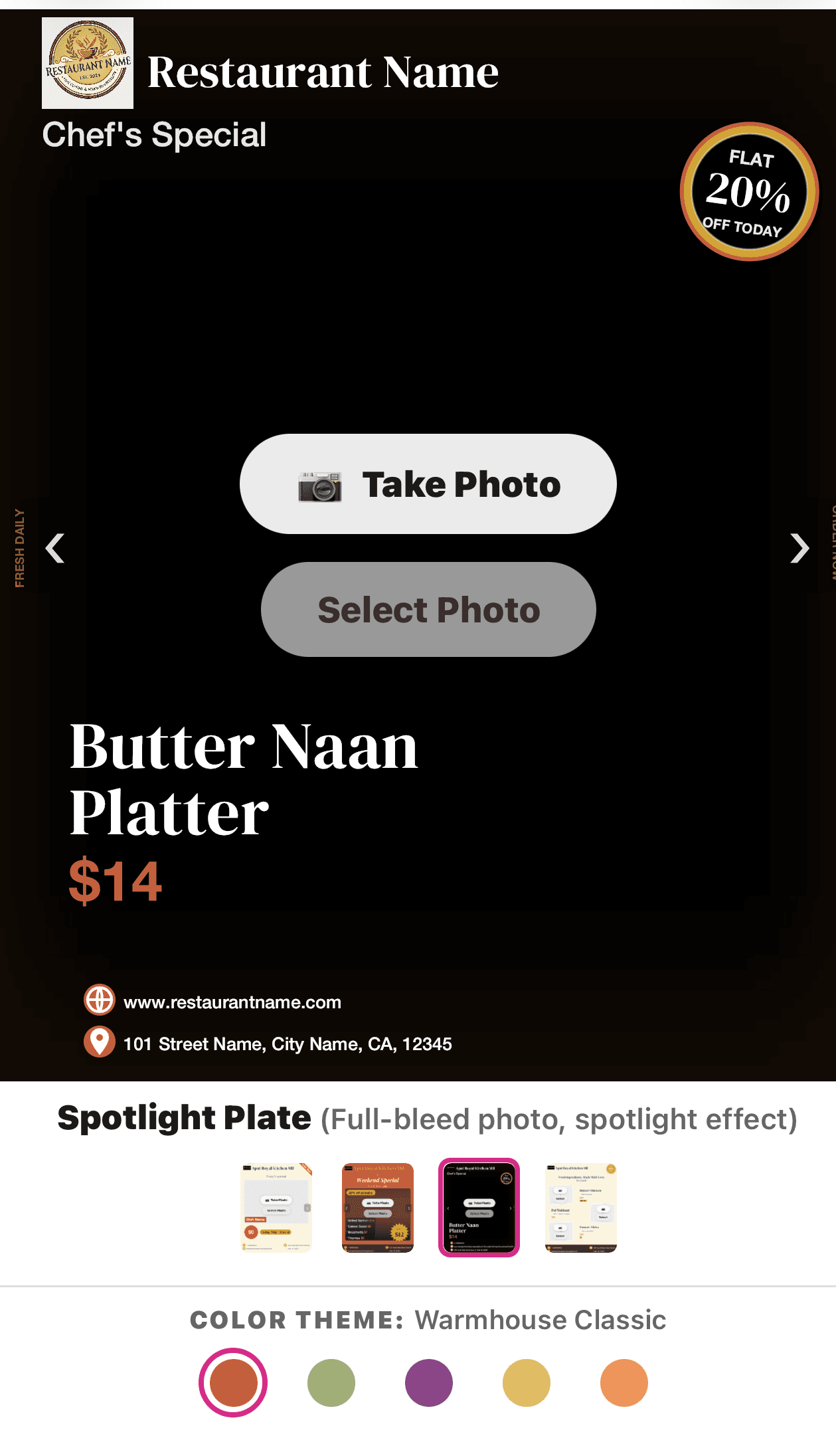
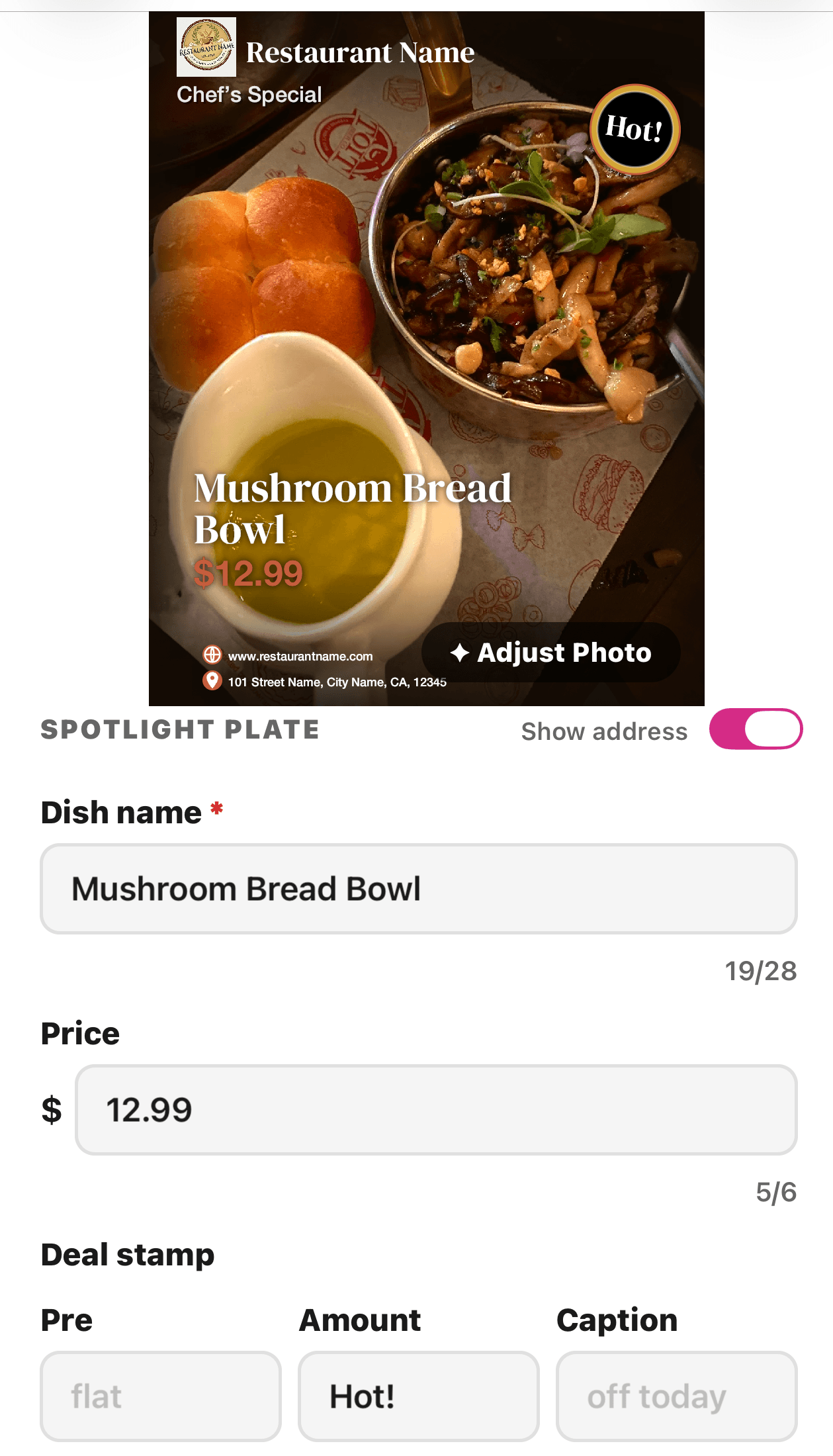
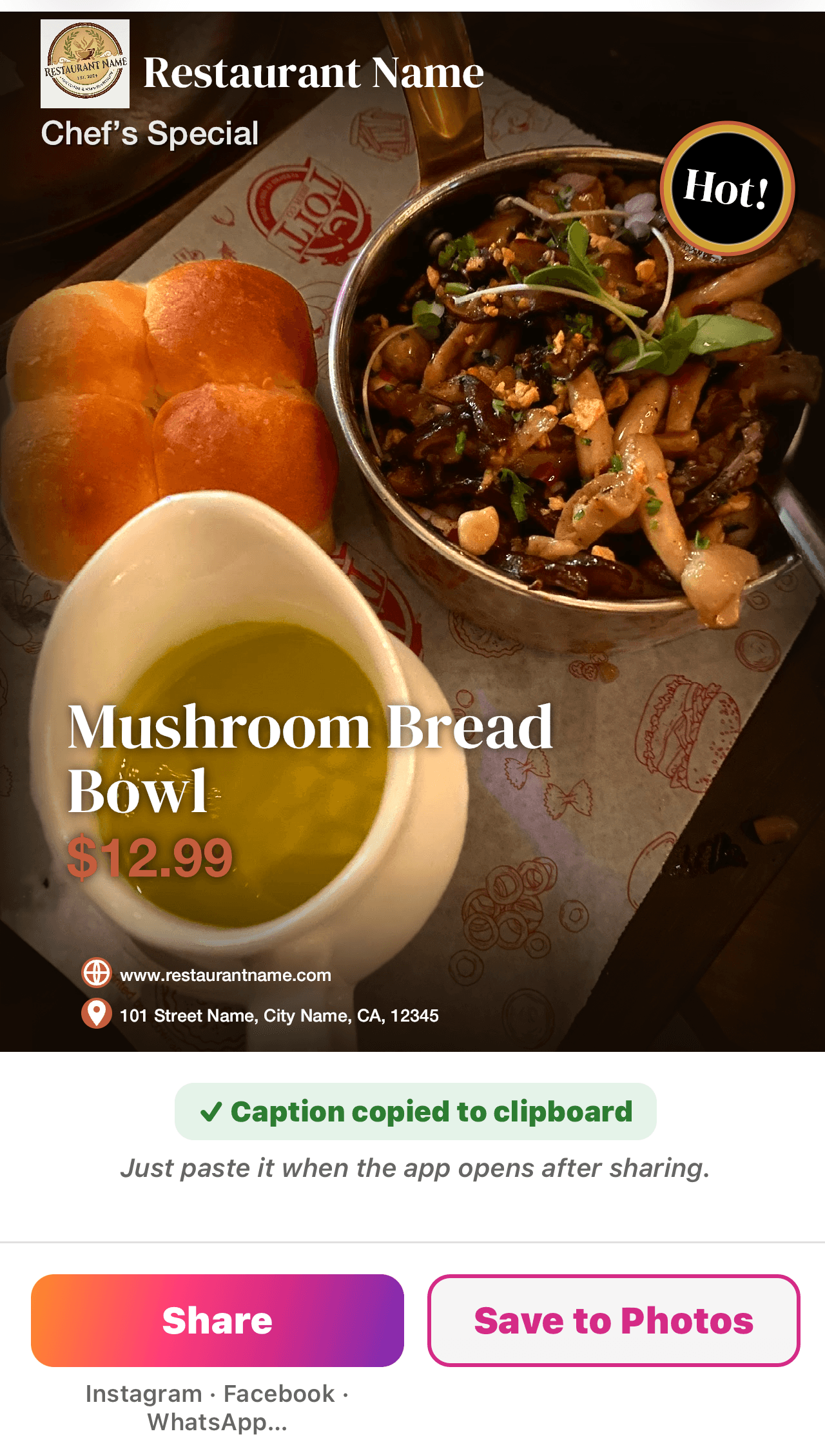
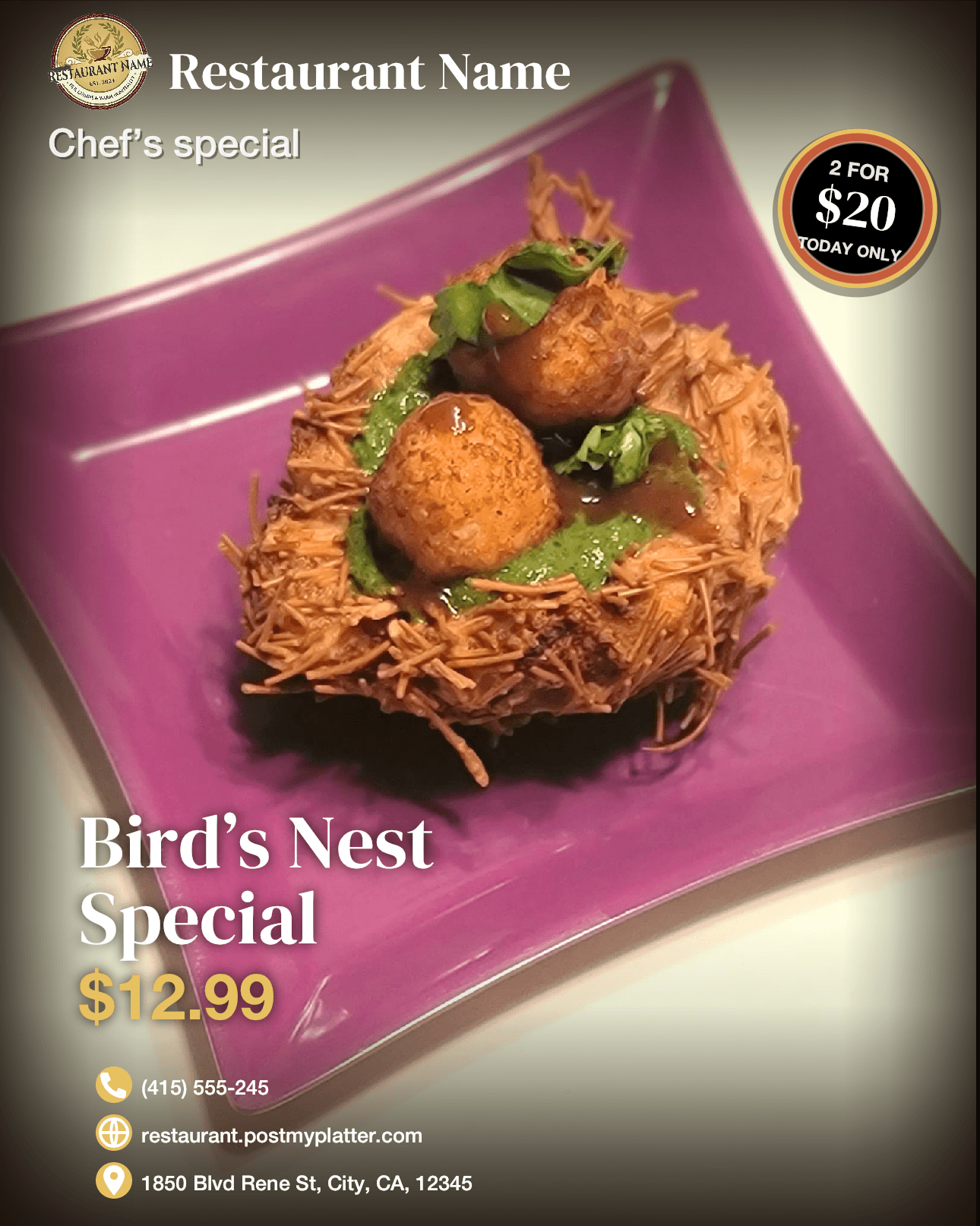
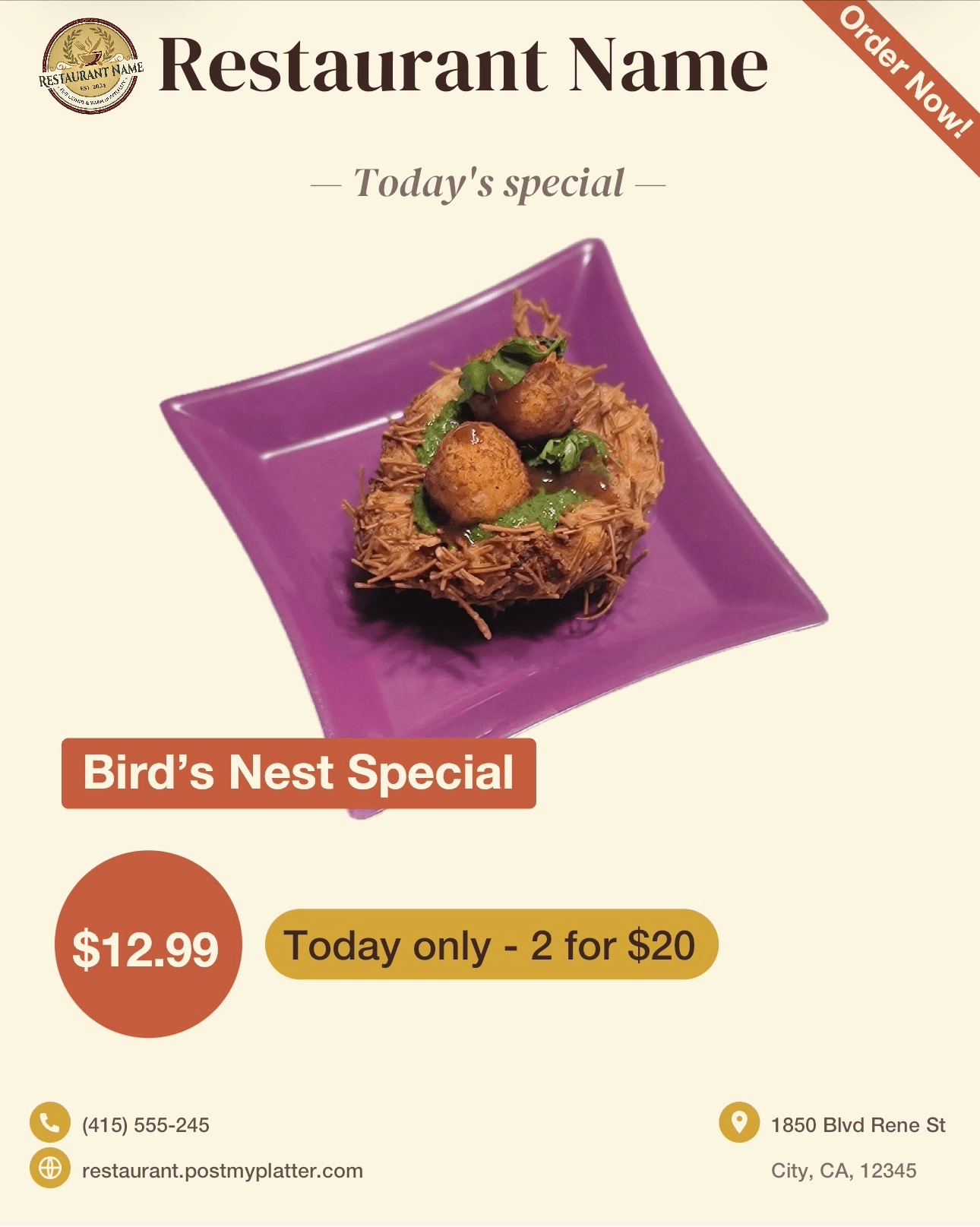
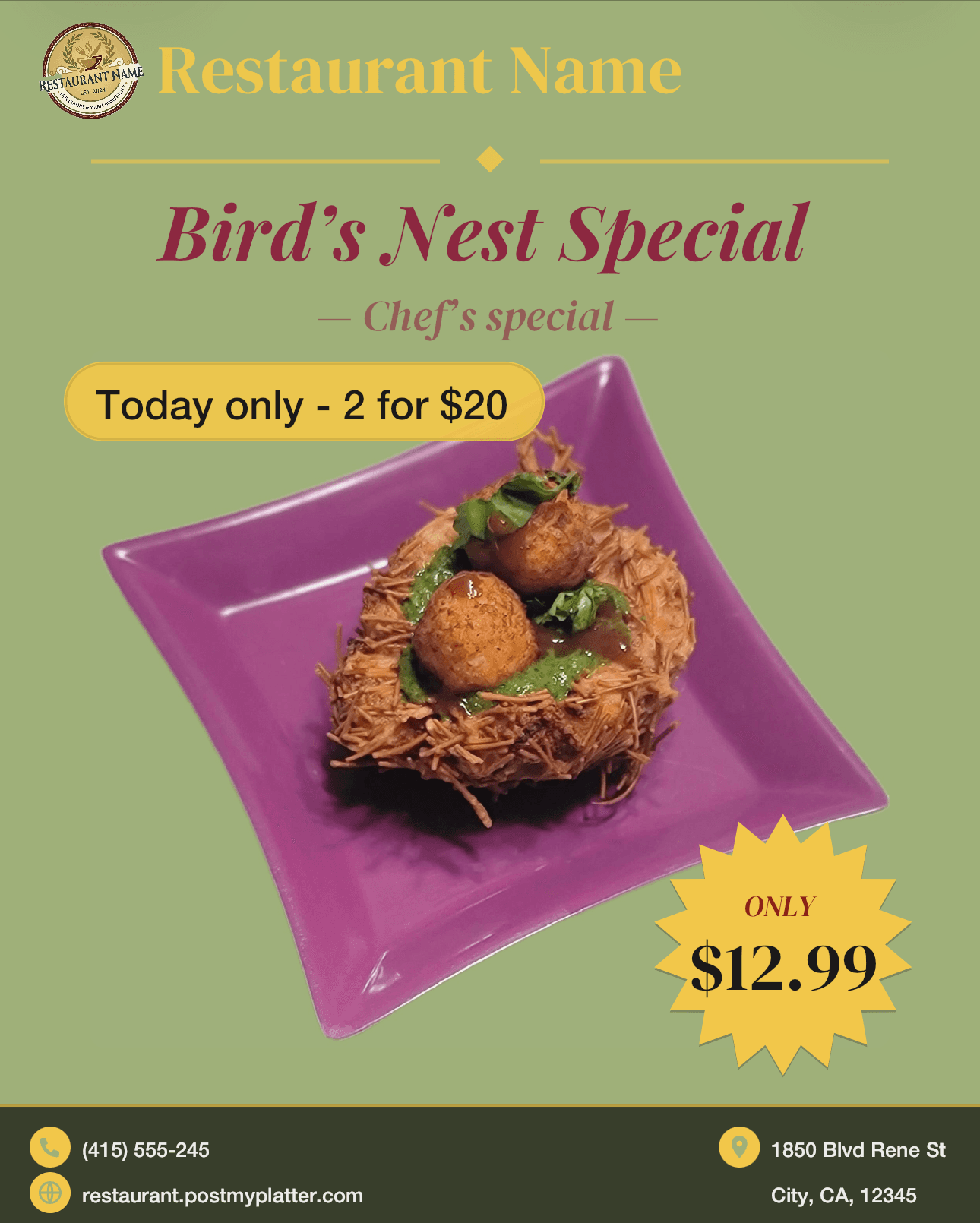
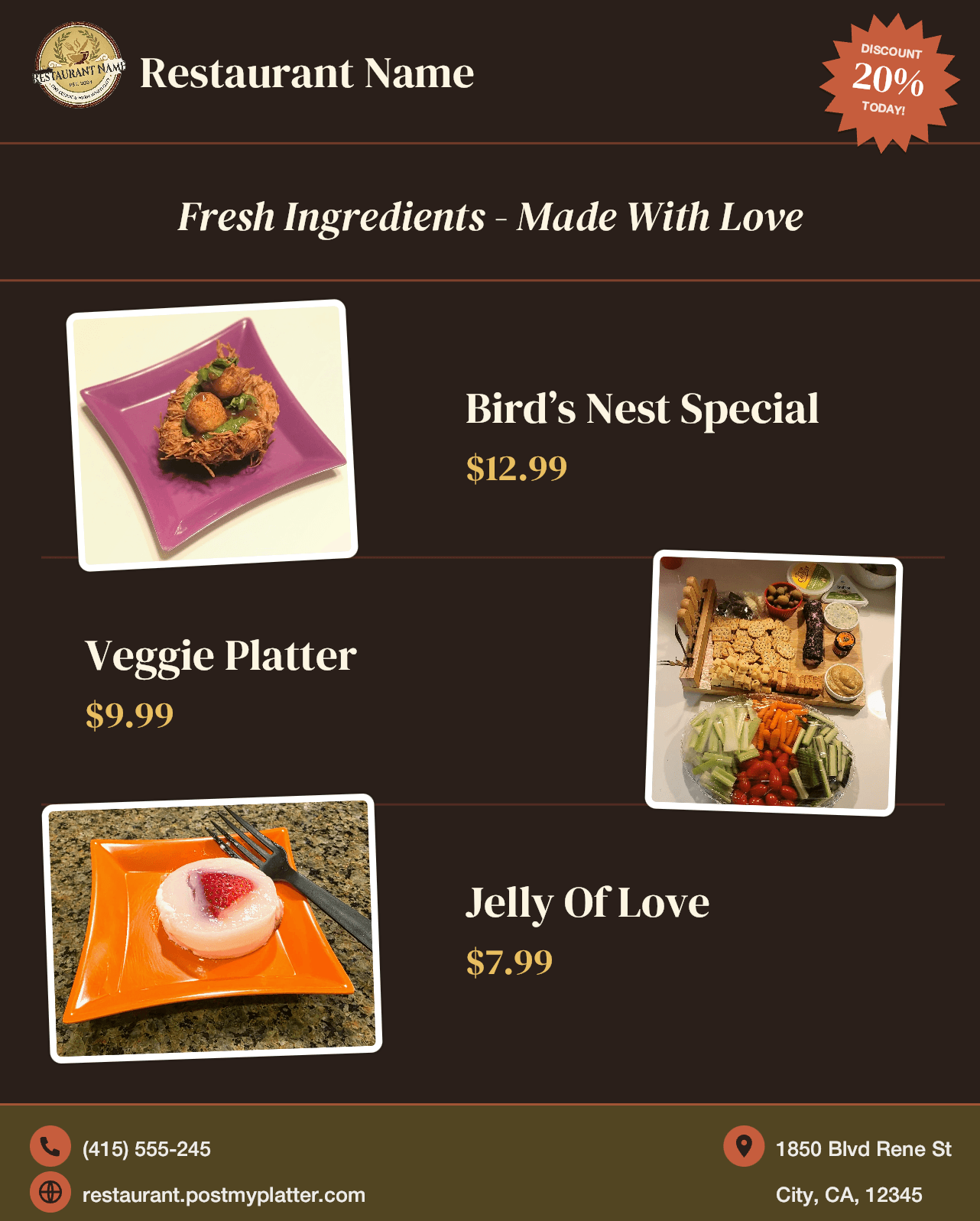
Five templates, designed for food.
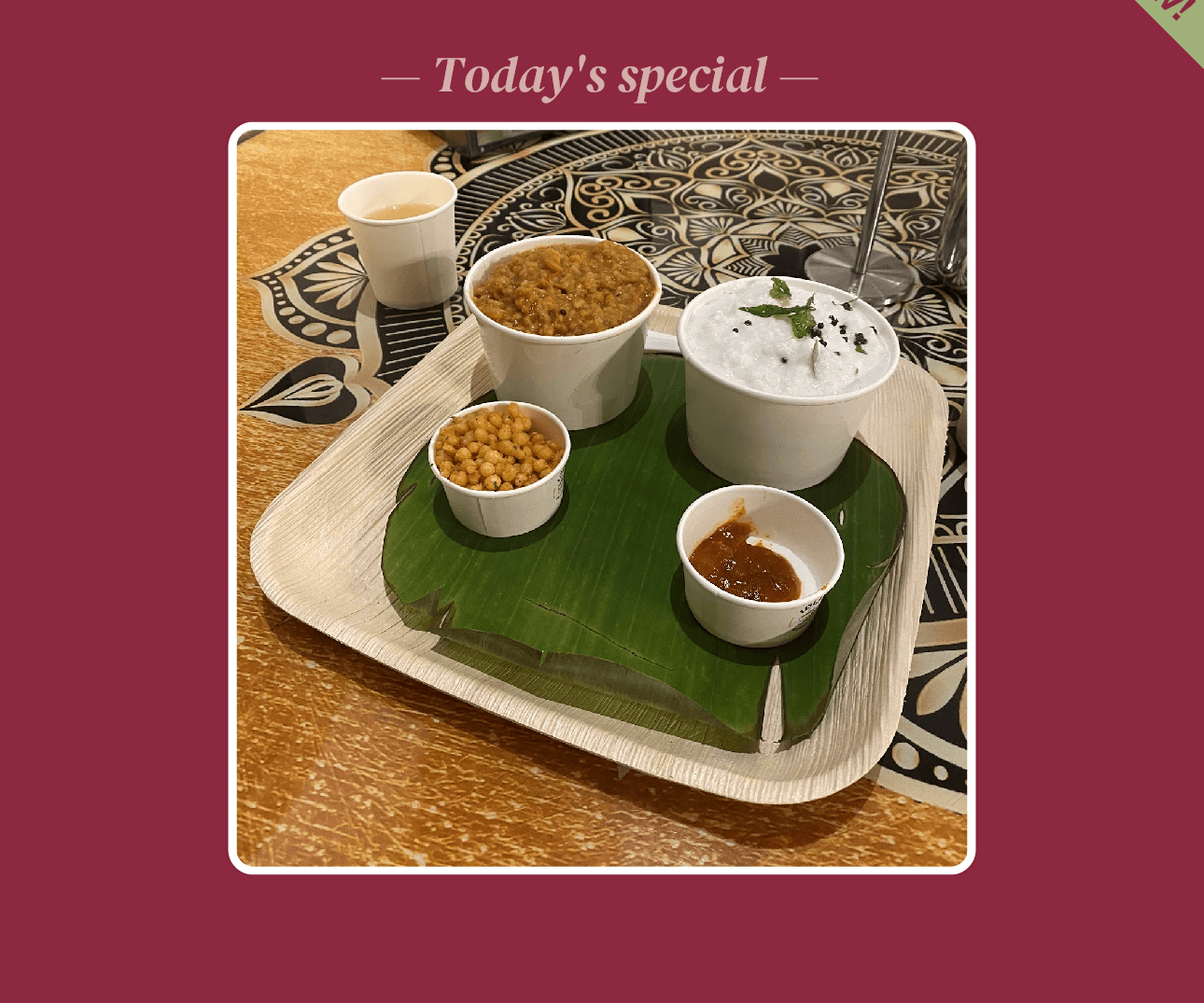
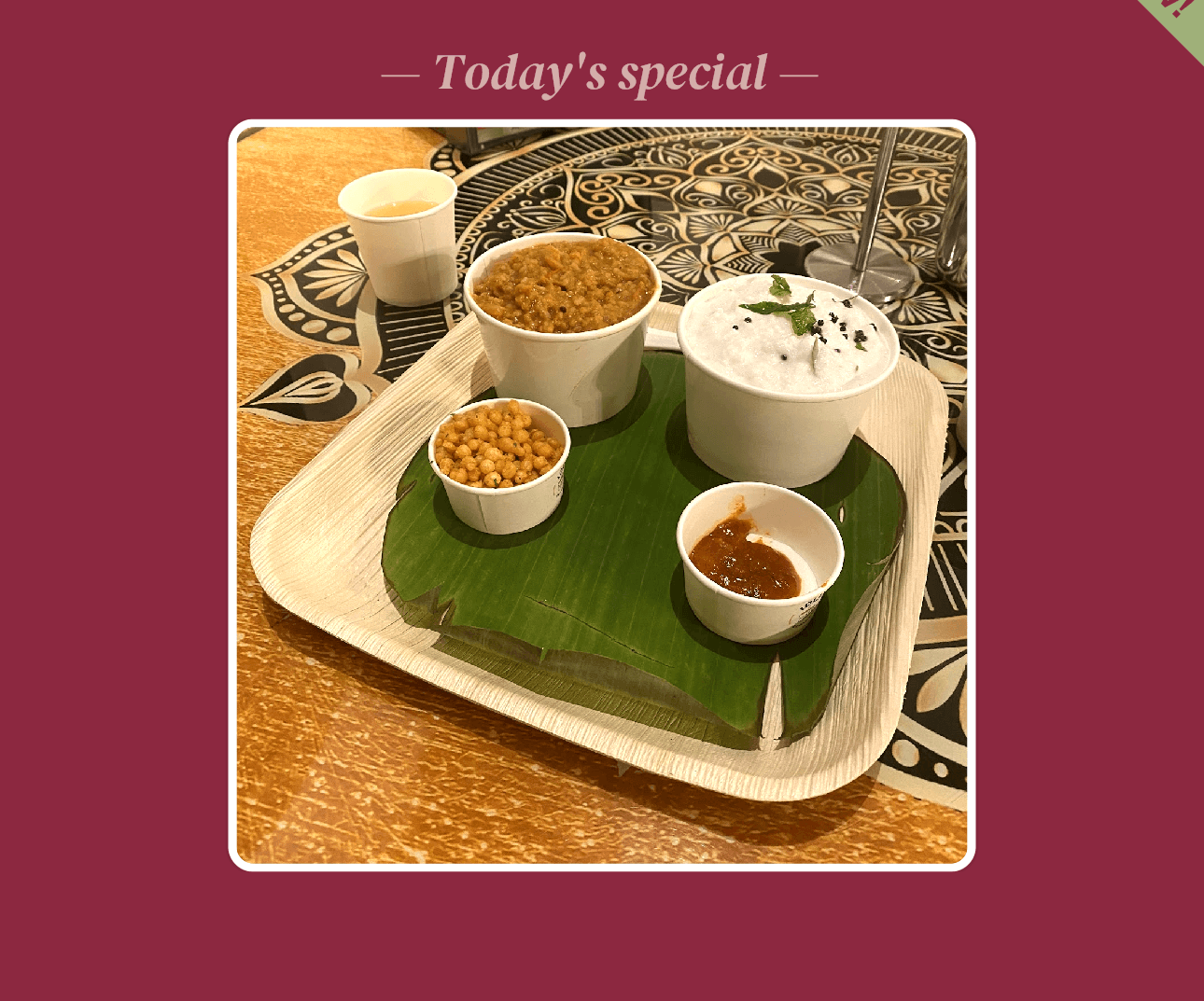
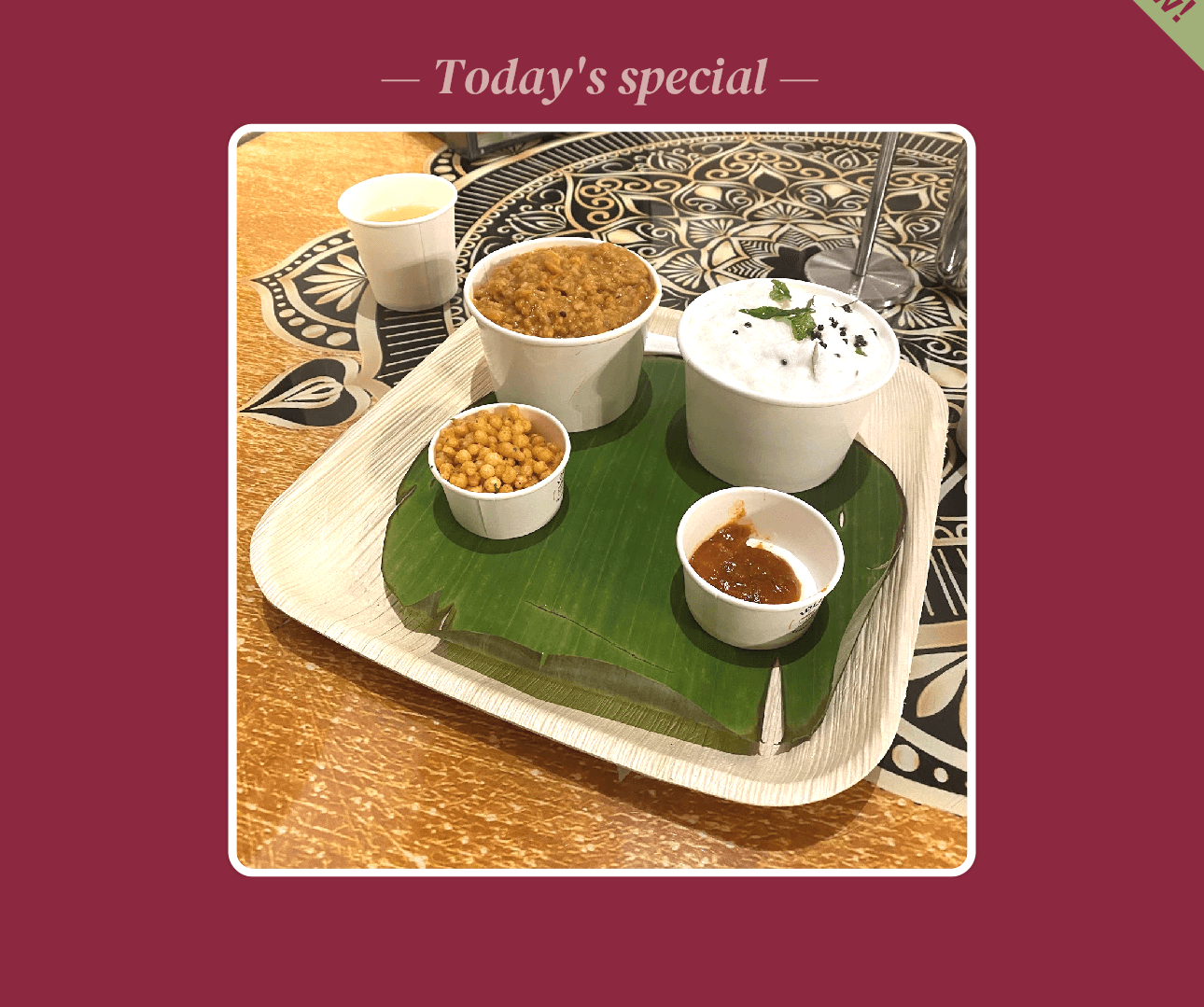
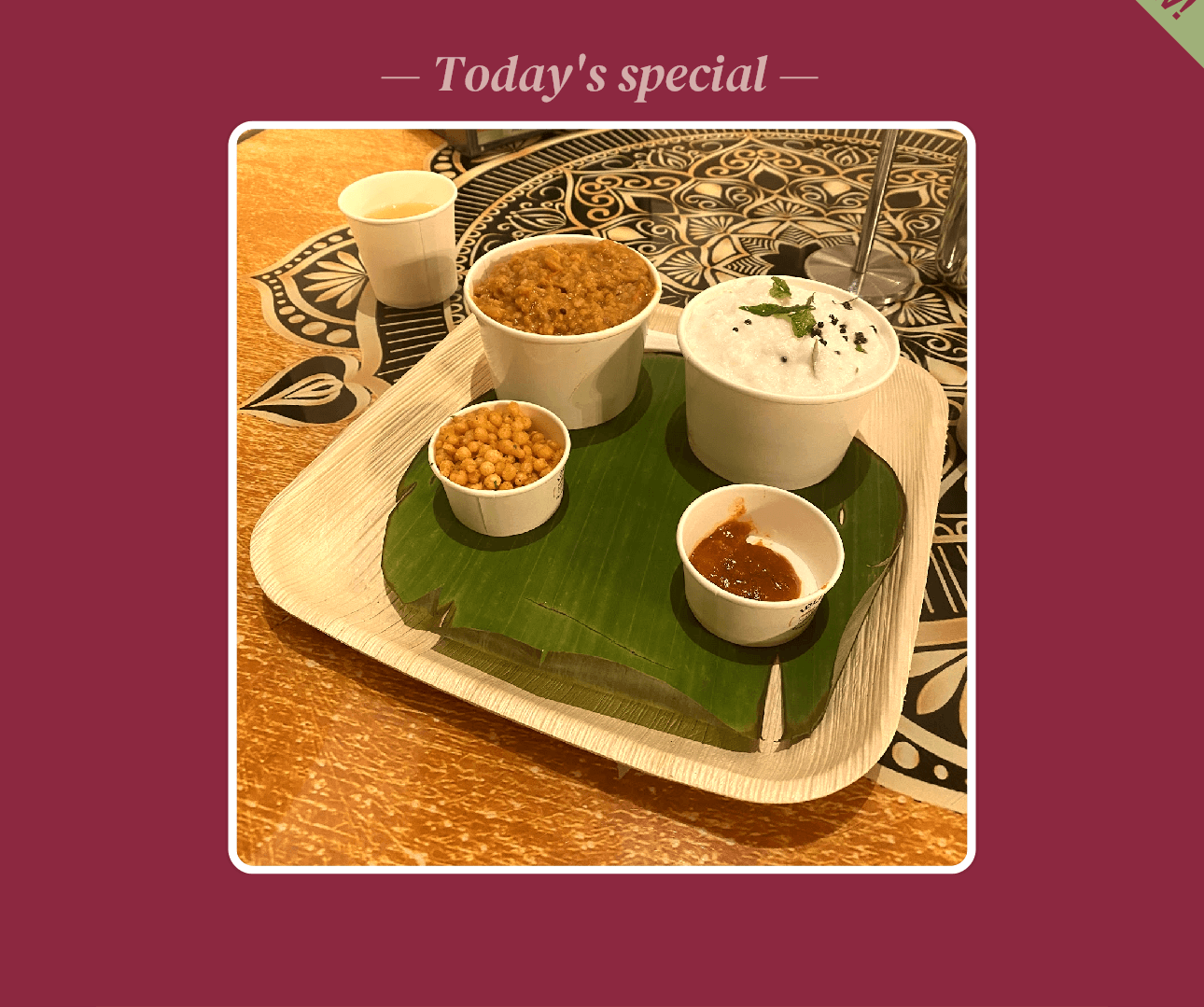
Every template was drawn around what makes food look good on a 6-inch phone screen generous photo, readable type, no clutter. Pick one and stick with it, or rotate them across your week.
Hot Special · Spotlight Plate · Dish Hero · Deal Highlight · Tasting Card
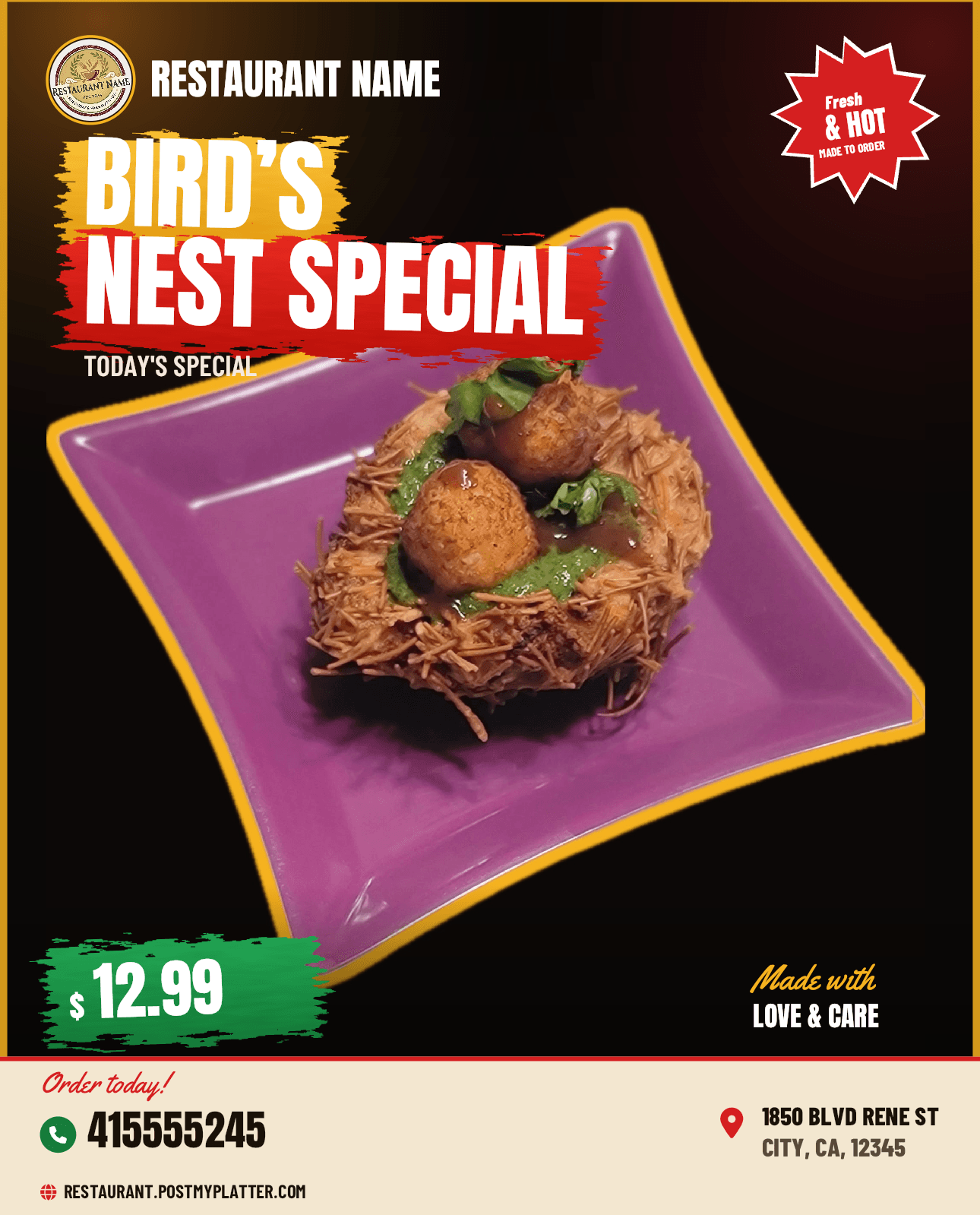
Five palettes that match your brand.
Each palette is a hand-picked combination of background, accent, and type colors. Pick one to anchor your feed, or let the app suggest one based on your photo.
One palette anchors your feed. Switch anytime.
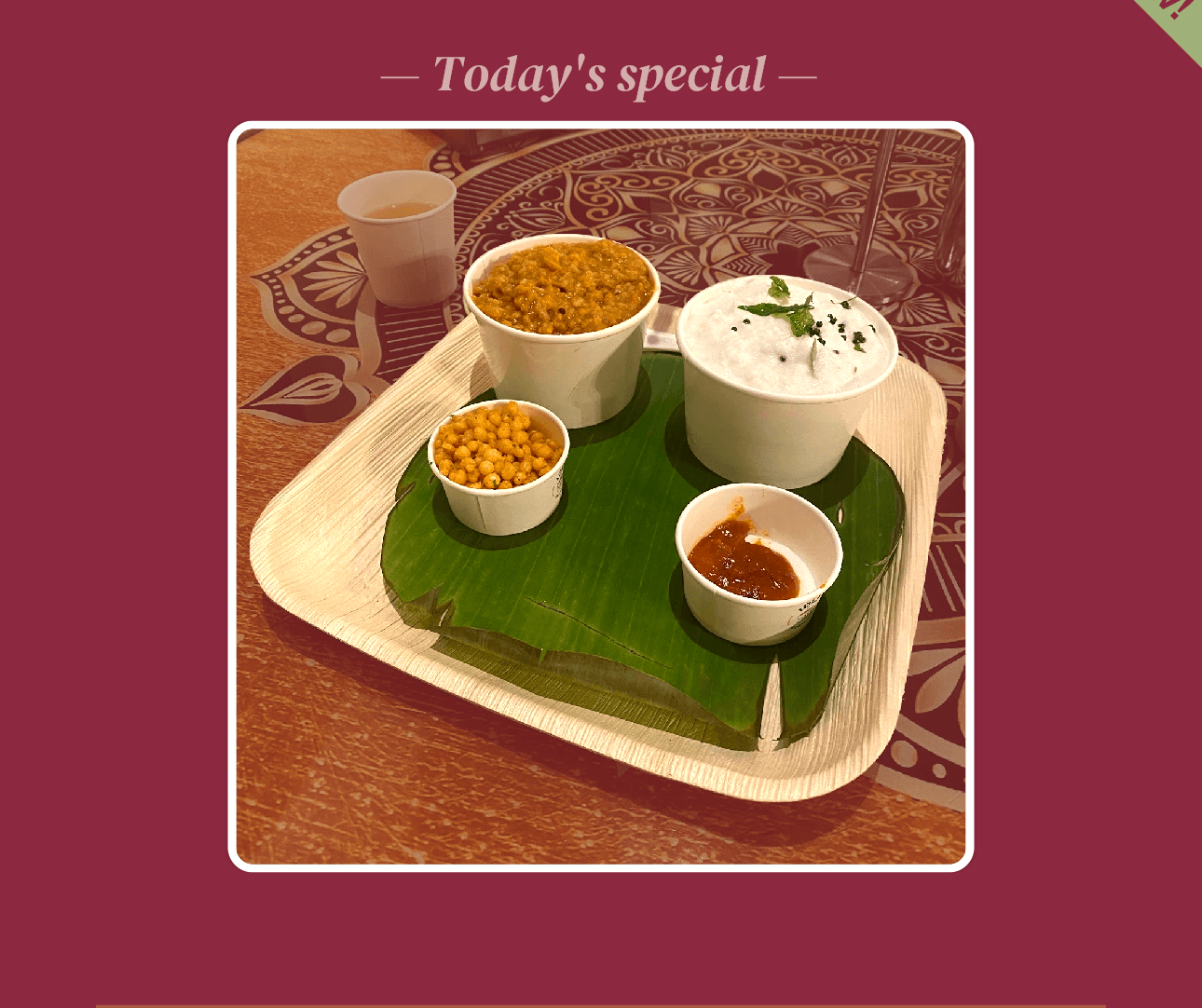
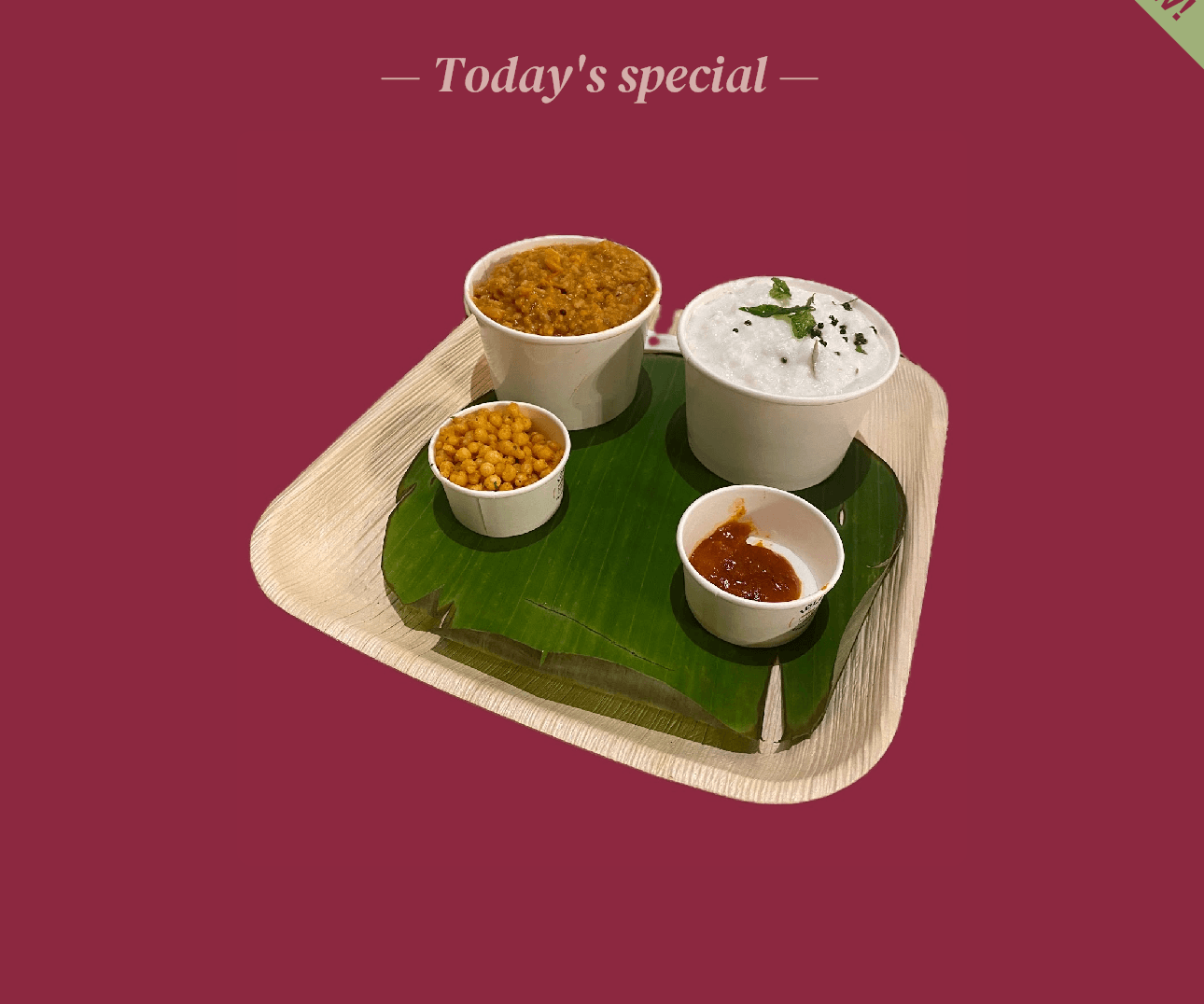
Phone photo, without the phone-photo look.
Three one-tap enhancements built around food: Bright lifts the highlights, Warm pushes color toward appetite, Auto picks for you. No separate editor, no sliders, no “filter look.”
Powered by on-device ML - no cloud, no waiting.
AI captions, in your voice.
Pick a tone and the AI writes captions that sound like you, not like a SaaS company. Switch between three tones depending on the moment: Casual on weekends, Promotional for specials, Friendly for everything in between.
Hashtags and emojis are auto-generated with every caption. No copy-pasting from a list, no guessing what tags to use.
No prompt engineering. Just pick a tone and post.
#LocalEats #StrawberryPie #DessertLover #SupportLocal #SweetTreats
#RestaurantName #StrawberryPie #LocalEats #DessertSpecial #LimitedTimeOffer
#RestaurantName #LocalEats #StrawberryPie #DessertLover #CommunityLove
Your dish. Your price. In exactly the right place.
Each template has dedicated fields for what matters. Type it once and PostMyPlatter drops it exactly where it belongs in the layout. No dragging text boxes, no guessing where the price goes.
Your restaurant name, logo, phone, website, and address come from your profile and flow onto every template automatically.
Fields adapt to each template. Nothing extra, nothing missing.
Make your next branded post/reel or website in 60 seconds.
Free on Preview. No credit card needed.