
5 Reasons Your Food Photos Aren't Getting Likes (and How to Fix Each One)
The dish looked incredible in person. You posted it. And then a couple of likes, and it sinks down the feed.
If you're trying to figure out how to post food photos on Instagram that actually stop the scroll, you're not alone. The fix is usually one of the same five things.
You're not doing anything wrong as a cook. You're just hitting the same handful of problems that trip up almost every food business on Instagram. Here are the five most common ones, and how to fix each in under a minute.
1. The lighting is fighting you
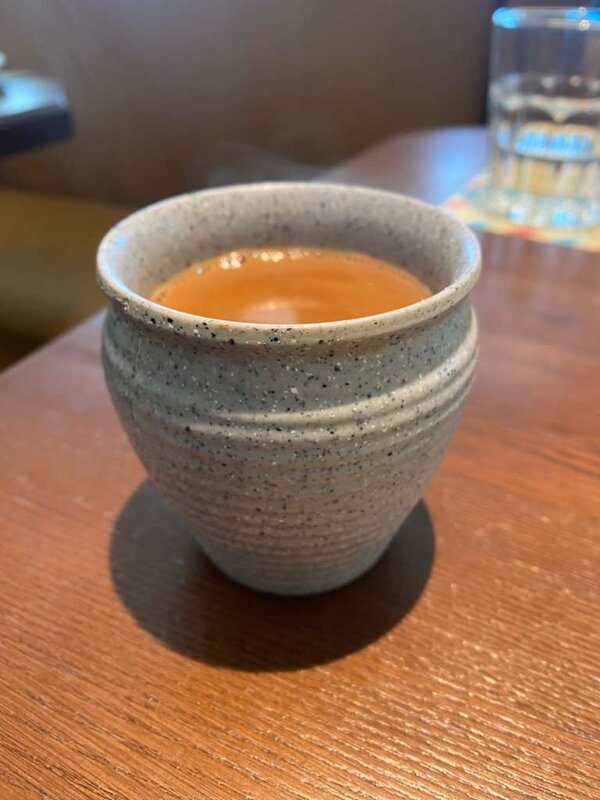
Warm indoor lighting turns food orange and muddy. Harsh overhead light casts hard shadows. It's the biggest thing standing between a flat photo and a mouth-watering one.
Fix it: Shoot near a window when you can. When you can't, PostMyPlatter's photo enhancement (auto, bright, warm, natural) corrects the color and lifts the shadows in one tap, so the dish looks the way it did in person.

2. The background is doing too much
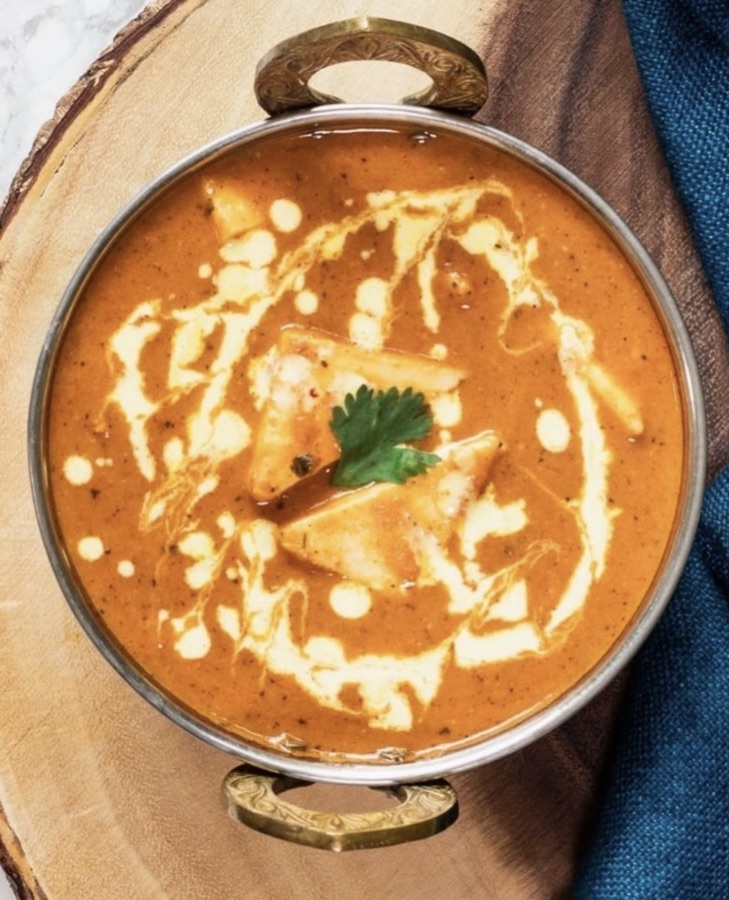
A cluttered table pulls the eye away from the food. Bottles, receipts, a stray napkin, the edge of a menu. All of it competes with your dish.
Fix it: Tap background removal to drop the dish onto a clean backdrop. A cramped-kitchen snap suddenly looks styled, and you didn't have to clear the table first.
3. There's no text, so there's no context
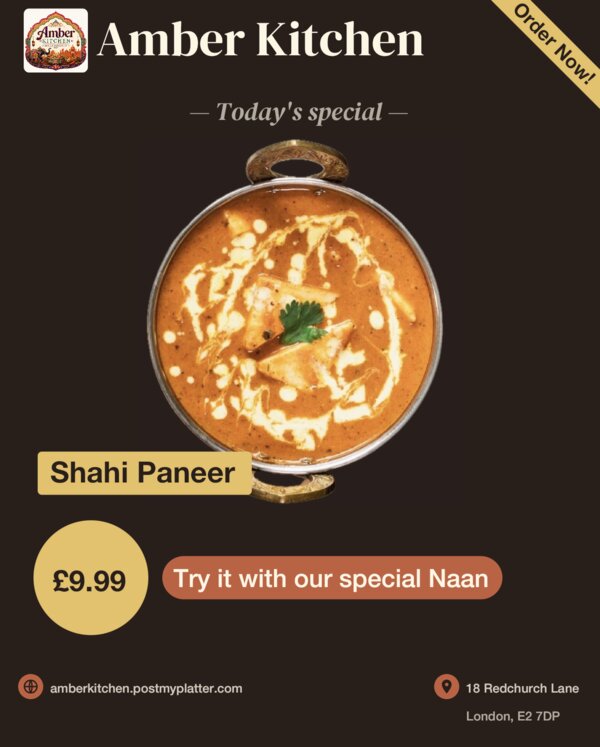
A nice photo with no words gets scrolled past. People can't tell what it is, what it costs, or why they should care.
Fix it: PostMyPlatter's templates add a clean text layer with the essentials. Dish name, a quick descriptor, a price or a "today only" line. The scroller gets it in one glance, and it looks designed instead of slapped on.
4. Every post looks different from the last
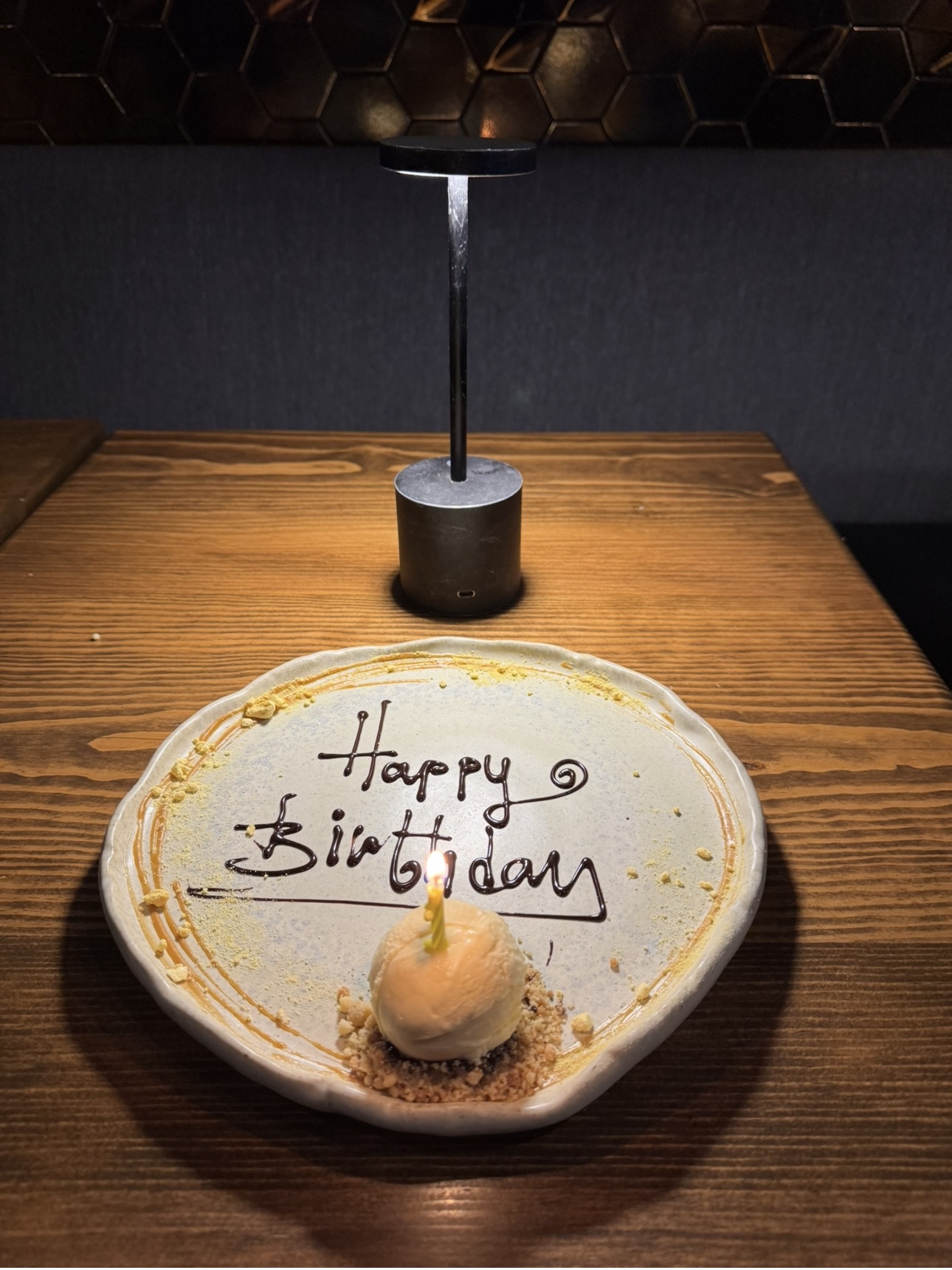
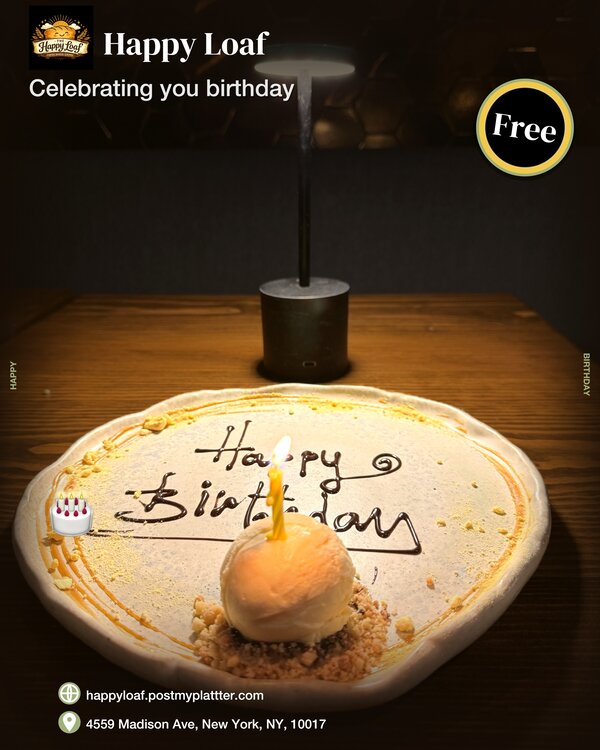
A random mix of fonts, colors, and layouts reads as amateur. The accounts that pull people in have a look you recognize before you even read the name.
Fix it: Pick one template and color theme and reuse it. Same layout, same logo spot, post after post. That repetition is what turns a pile of photos into a brand people remember.
5. It takes so long that you give up
This is the real one. If posting means twenty minutes in a design app while the kitchen's slammed, it just won't happen.
Fix it: PostMyPlatter gets you from raw photo to finished post in under a minute. Enhancement, background removal, template, and a caption, all in one place. Fast enough that you'll actually keep doing it, and showing up beats showing off every time on Instagram.
The takeaway
You don't need a photographer or a design background. You need decent light or a quick fix, a clean background, a little context, a consistent look, and a process fast enough to stick with. PostMyPlatter covers the last four in one place, so you can post like a pro between orders.
No designer? Here's how to make restaurant Instagram posts without one.
PostMyPlatter requires a subscription. Try it free on Preview first, no credit card needed.